There are several different types of backups. There are pros and cons with each type. Without getting too technical and describing each, just know that there is a FULL backup, or one where all the files are copied to a backup drive at the same time. To avoid having to copy all the files over each time you back up your data, two other common types of backup types were created. The incremental and differential backups only back up the files that were added, deleted, or changed since the last full backup, but they do it in a different way.
The incremental backcup is the most common type used, however it can be more difficult and slower to restore your files. Whatever software you purchase, be sure you know how the software works. Create a small backup and then first try to restore a file or two, and then all of the files from the backup set. Once you are comfortable with the restoration process, create a complete backup set.
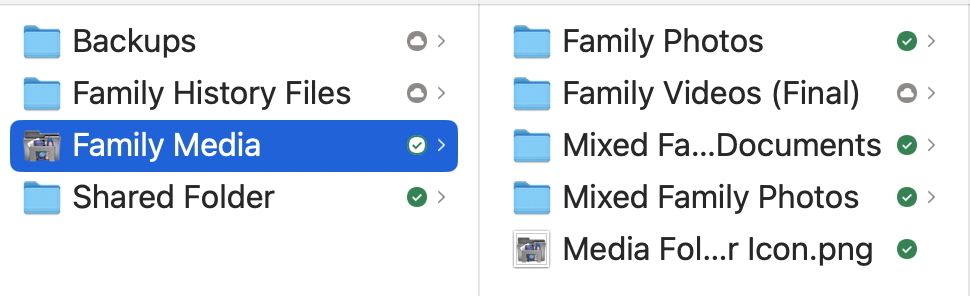
Most software allows you to select which files you want to backup. This allows you to create not just one big backup of all your files, but multiple smaller backup sets. For example, if you wanted to just backup your family photos, you could create a “Family Photos” backup and have it run weekly. For more active family history files that you access and add to daily, you could have a backup set called “Research Files” that just backs up those folders daily. You are not limited to just one big backup. I have probably 15 different backup sets. These different backup sets may go to different hard drives, to a cloud drive, and so forth. This does help in not having to have one HUGE hard drive, but can split these different backup sets to smaller target hard drives. I also do create full backup sets, which go to 2 different hard drives as additional "insurance against loss".
One more backup type that I should mention is to just copy, let’s say your family photos folder, to a different hard drive and then label that new folder something like “202605 - Family Photos”. You would then just leave this folder alone, no adding to, deleting files, and such. Why would I want to do this? Situations arise where a file may become corrupted on your computer and then can’t be opened. This corrupt file will then be backed up each day or week. You discover one day, months or longer down the road, that a certain ancestor’s PDF file won’t open. You go back to your routine backups, restore the file and still find the same thing. This is the exact reason you keep these periodic backups. You go to your backup set from 202605, let’s say, and that same file is still corrupted. The next step would be to go to your 202511 backup set and try to open the file. As luck has it, that copy opens. You now copy that good file to your computer’s hard drive and get rid of the corrupted one. Your new subsequent routine backups will of course copy this new file to your backup drive. Probably making a full backup set of your files every 6 months is adequate. Of course, this means that you will need another large hard drive to fit all these backups on.