Prior Page
FamilyDiscoveries.net
Menu
RootsTech Videos
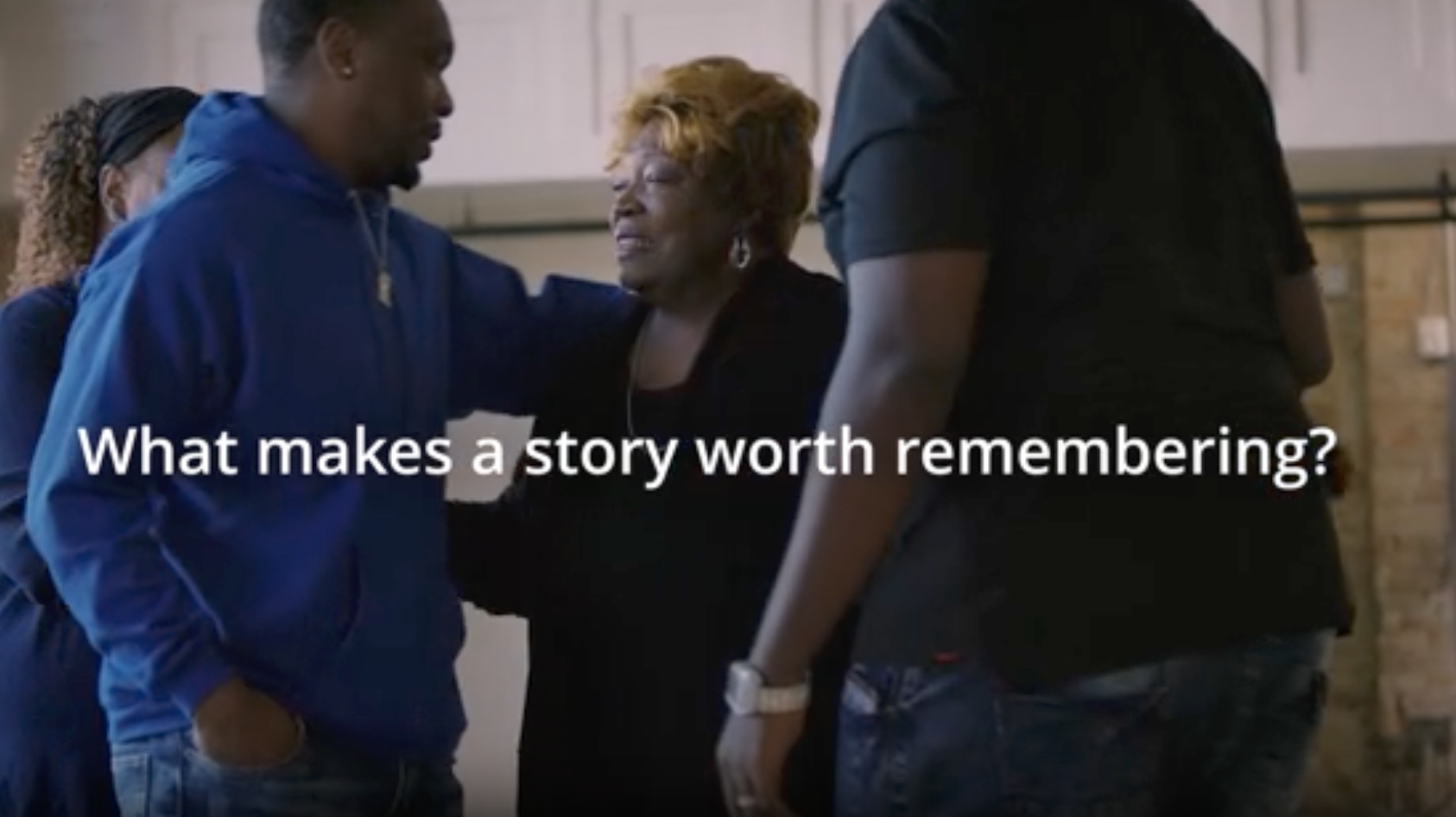
Your Story is Worth Remembering
Return to Prior Page
Your browser does not support the video tag.
Contact Me
â–²
UP
Missionary Communications Board
© 2026 Stephen A Meyers, All Rights Reserved.
{ open = e.detail.id === 'rw976D4739_8FE3_4C4B_9077_5FE70849BF96' }" x-model="open" class="fixed z-50 inset-0 overflow-y-auto" data-modal-id="rw976D4739_8FE3_4C4B_9077_5FE70849BF96">
FamilyDiscoveries Menu
Home
Contact Me
About Me
Discover Your Heritage
Overview: Discovering Your Heritage
Discovery Activities
Family History Videos
Spiritual Dynamite
Your Story is Worth Remembering
What is an Ancestor
What is Genealogy
What is a Family Tree
Every Family Has a Story
Clan McCloud
FamilySearch: Photos & Stories
Remember Dad
Keep Me, Protect Me, Share Me
FamilySearch Indexing is Vital
Promised Blessings of Family History Work
Their Hearts Are Bound to Us
Do Something That Really Matters
FamilySearch: Discover Photos and Stories
Pray to Be Led By the Holy Ghost
Gatherers in the Kingdom
Connect-Belong
The Power to Heal
Find New Ancestors
Overview: 5 Tips to Get you Started
Descendancy Research
Hourglass View
Family Tree Descendancy View
Puzzilla View
BYU Virtual Pedigree
Overview of Census Records
Family Tree Hints
Attach Record Sources
Review Attached Record Sources
Preserve Your Heritage
Overview: Preserving Your Heritage
Preserving Stories
Overview: Memories Through Stories
Writing Stories About Your Ancestors
Writing Our Own Personal Stories
Preserving Photos
Tips For Working With Photos
Organize Your Photo Collection
Scanning Standards For Your Photos
What Are My Scanning Goals? Scanner Settings Will Be Different
Printing Paper Photos From Digital Ones
Editing Your Photos
Sample Photo Edits
Preserving Audio
Digitizing Audio Recordings to MP3 Files
Preserving Video
Digitizing Family Videos to MP4 Files
Preserving Documents
Organize Your Family Documents
Reduce the Size of a Large PDF File
Tutorials
Let's Fix Some Photos
PhotoPea.com Tutorials
Basic Photoediting Skills Using PhotoPea.com
YouTube Tutorials
Basic Tutorial (YouTube)
Learn PhotoPea To Edit Your Photos (YouTube)
Affinity Photo Tutorials
Fix Rotated Photos and Crop a Photo
Fix "Off Color" Photos
Fix Dark Photos
Fix Light Photos
YouTube Videos
Learn to Use the Curves Tool in Affinity
Edit Photos in Affinity
Learn Affinity in 41 Minutes
Guide to All 68 Tools in Affinity 3
Removing Small Defects Such as Facial Acne
Affinity YouTube Channel With Videos
Photo Odds & Ends
Use Photo Metadata to Augment Finding Your Data Files
Shrink the Size of Your Photo Images
Add Descriptive Text to Bottom of Photo
Working With Audio Recordings
Setting Up Your Equipment
Editing Your Audio Recordings
Working With Video Recordings
Use OpenShot Video Editor to Edit Your Video Files
Can I Upload Family Movies to FamilySearch?
Ripping a DVD to Create a MP4 Movie Clip
Fun Video Projects
Family Musical Jam Session
My Mother's Family Camping Experiences
Creative Family Reunion Video
Working With Documents & PDF Files
Creating Single PDF File From Multiple Pages
Reducing Your PDF File Sizes
Keep Your Computer & Data Files Secure
Don't Lose Your Data Files! Safely Back Them Up!
Be Careful With USB Flash Drives! Know the Risks!
Email Security - Your Key to the Internet
Online PDF Converters Risks
Odds & Ends
Share Your Family History Files With Others
Cloud Drives: An Essential Part of Family History Work
Capturing and Saving Browser Images