Have you ever wanted to label a photograph with all the names of those in the photograph? In the photos below, there are groups of people to label. There are different options that you could do to make sure that this photo is labeled for future posterity.
You could just place ALL the names into the photograph's filename, but that makes for a LONG filename! What if there are several more people in the group? The filename would get larger and that creates potential problems with computer operating system limitations.
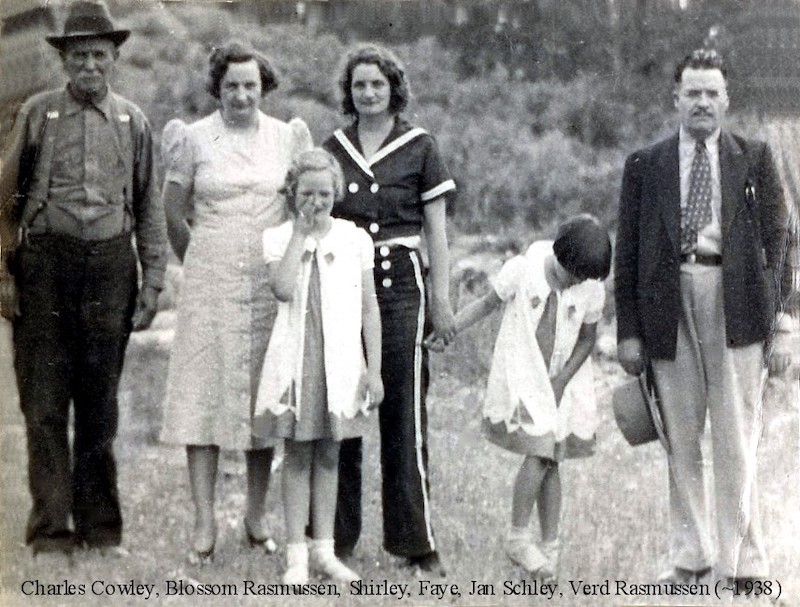
Another option is to digitally type the name of the individuals across the bottom of the photo like that seen below. Where the black letters occur over dark areas of the photo, they become difficult to read. The other issue with this option is that by typing onto the photograph, you are “destroying” part of the photo, like around the feet in this photo.
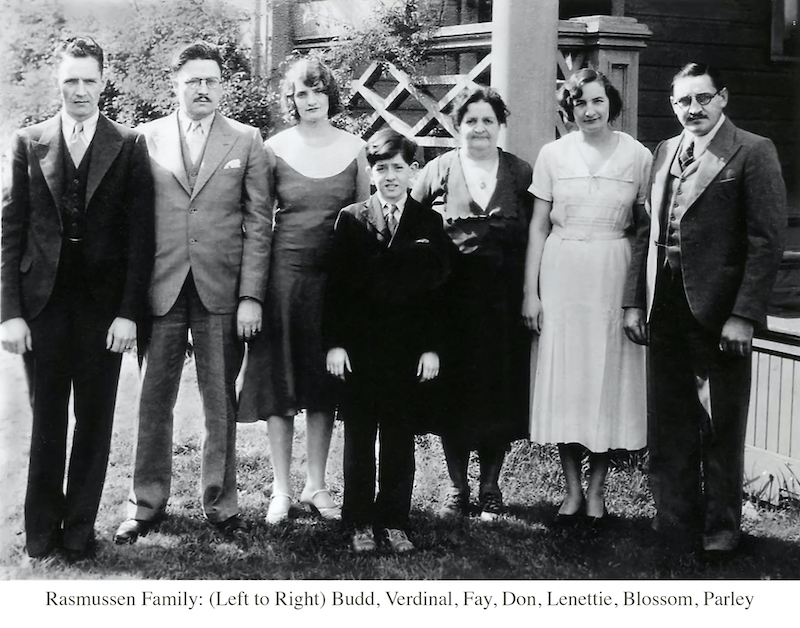
A 3rd option is to add some additional "white space" onto the bottom of the photo for the text and leave the photo alone. This does not resize nor destroy the photo for the future. It increases the "canvas" size on which the photo sits. We can show you how this is done.
Many think of a photo as "one dimension". Imagine a digital image sitting on top of a "canvas" just like the paint of a portrait sits on top of a canvas. With digital images, we can increase the size of the canvas without changing the size of the digital image. That extra canvas space allows us to add additional digital objects to the overall "photo", like a text box filled with descriptive text for example. You can create a large canvas space where you want to add a lot of information.
Sometime in the future, a person may want just want to the photograph without the canvas area. It would be easy to just crop out the canvas area.