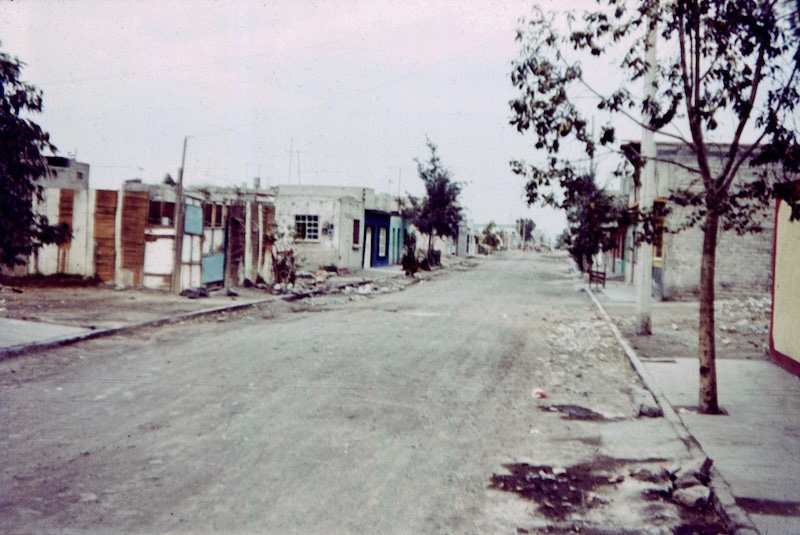
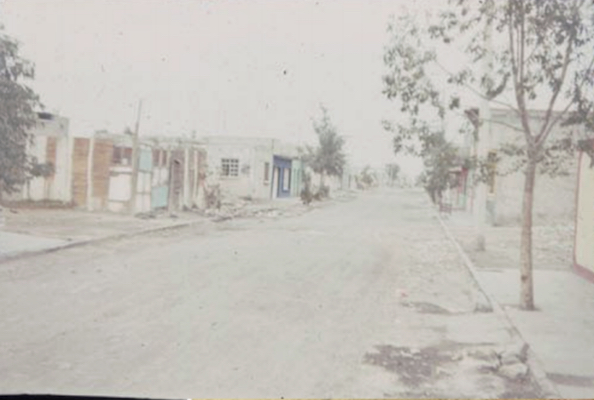
There are some photos that you just want to keep because they are filled with memories. This is one of them for me as it reminds me of the time that I actually lived on this street as a missionary. Unfortunately, it is an overexposed photo, but at least with photo editing, some details can be recovered. Unfortunately, an image with a lot of white pixes has no color data to recover and will remain without color detail.
The “Levels Tool” can help return much of the lost detail of faded or “almost” white color, which is what I used on the sample photo on this page. It is an easy tool to use.
Download the sample file below. It downloads as a “zipped” file and will need to be unzipped on your computer.