This is easily accomplished both inside the app using the Document Resize option, or on Exporting your photo and changing the output size. We’ll explore these options in the following tutorial.
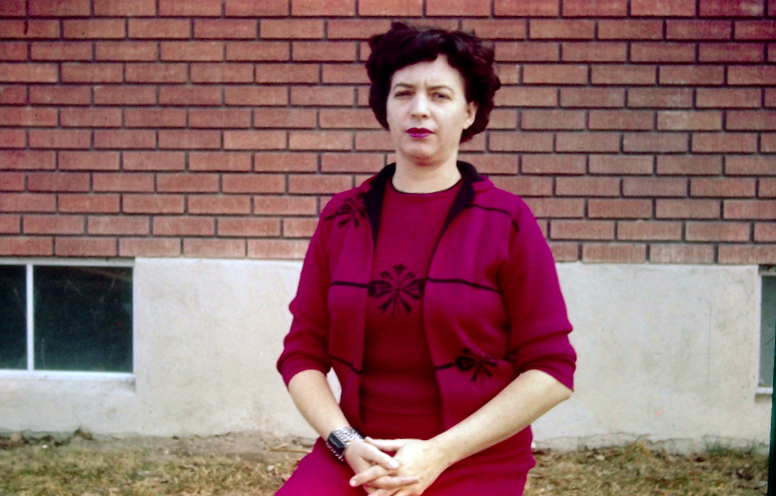
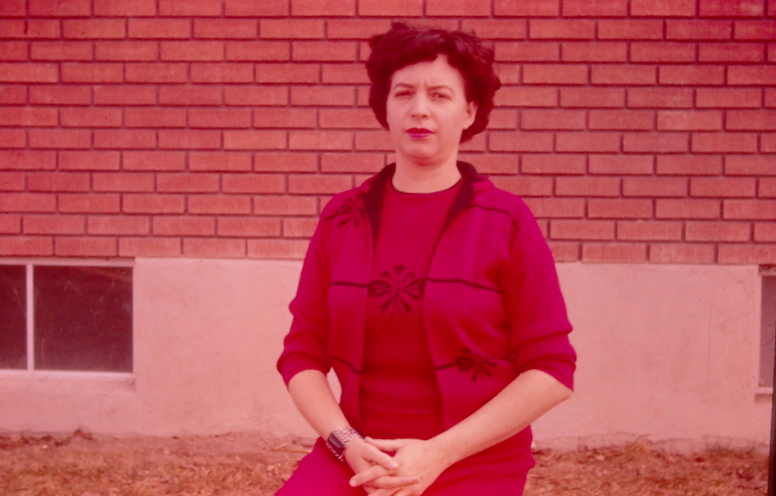
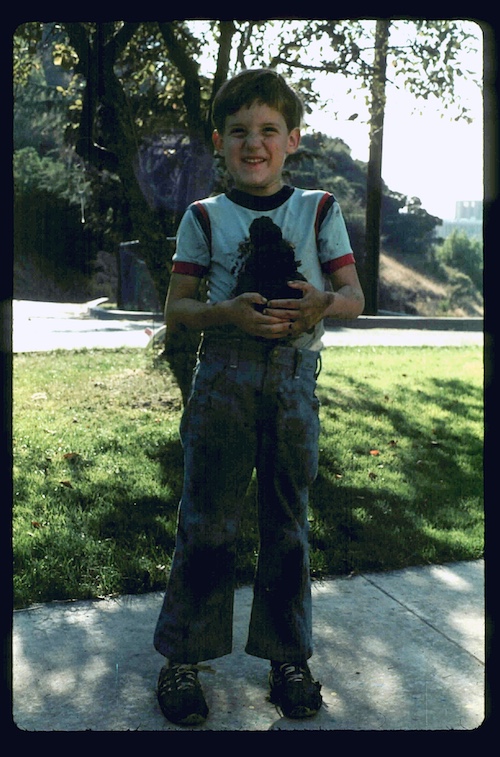
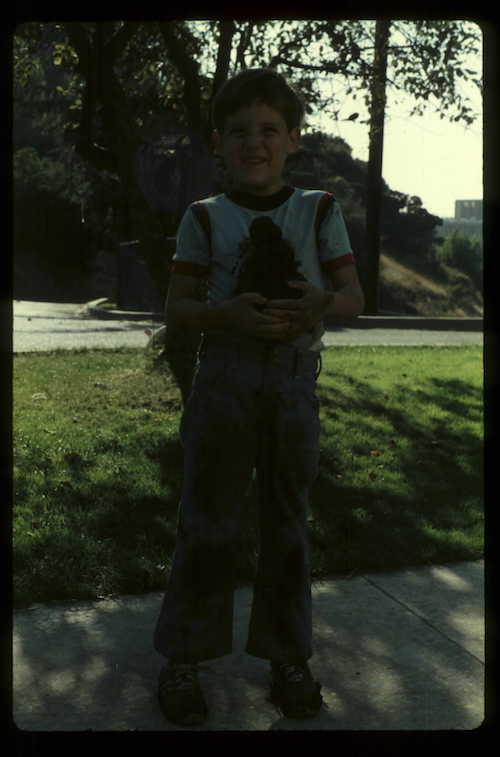
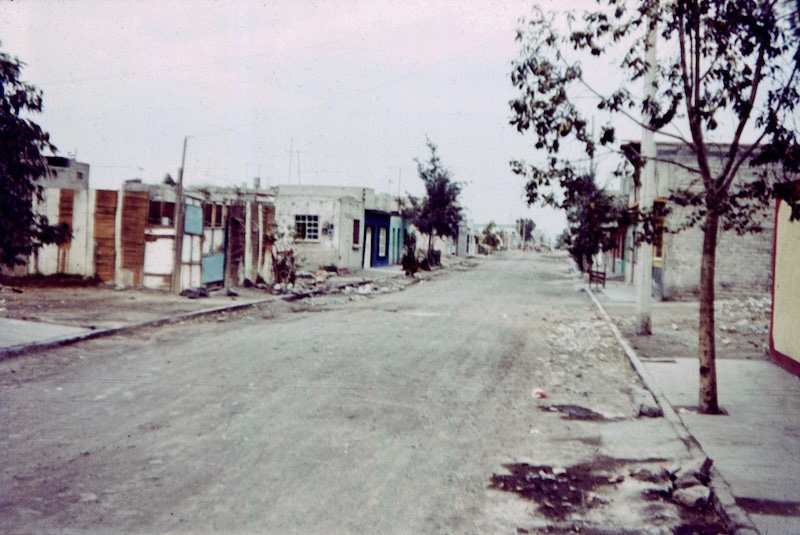
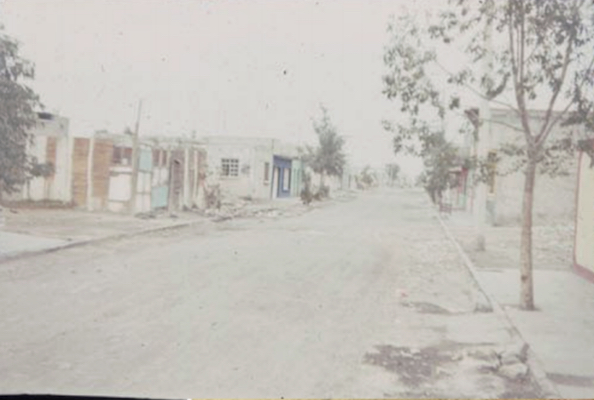
The "Levels Tool" is quite helpful to improve color tone, as well as improving a dark or light photograph. Poor color tone most often comes from the pigments in the photo paper or the slide film deteriorating over time. It is not unusual to see a greenish, bluish, or reddish color tone appear in an aging photo or slide.
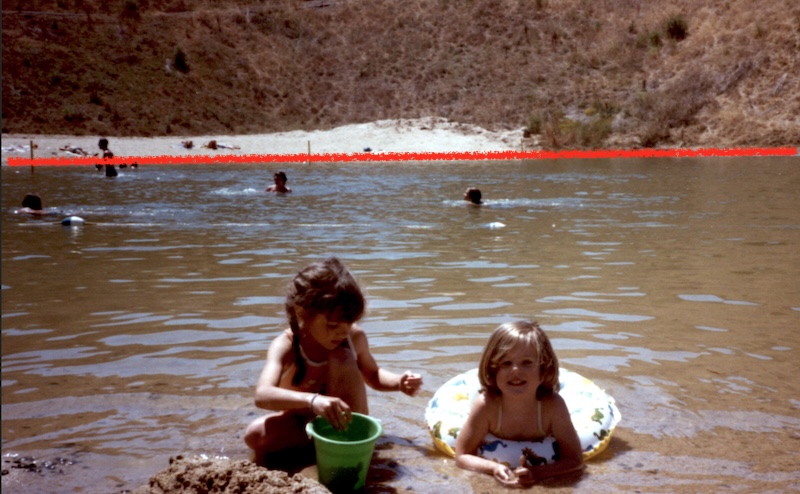
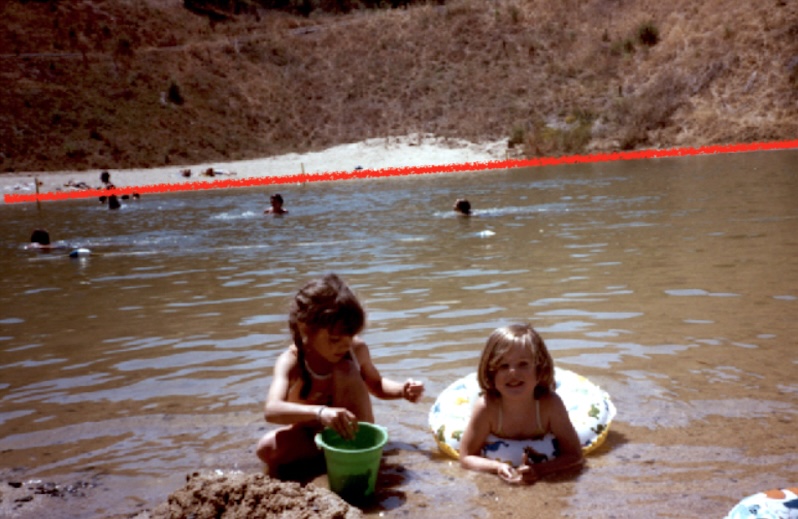
We’ll show how we can use the levels tool to reduce the reddish color cast present in this photo. For many photos, using this tool is all that is needed to improve color tone.
